The Trim raster button cuts off the white borders around raster images.
Quick Access Panel: 
Ribbon: Viewer -> Tools -> Trim raster
Menu: Edit -> Trim raster
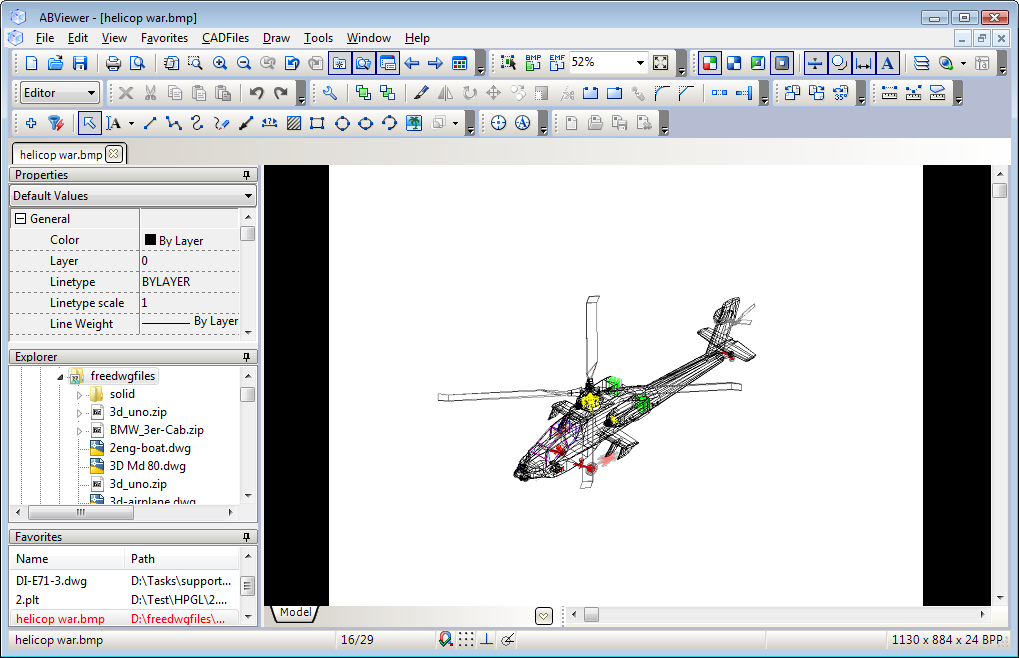
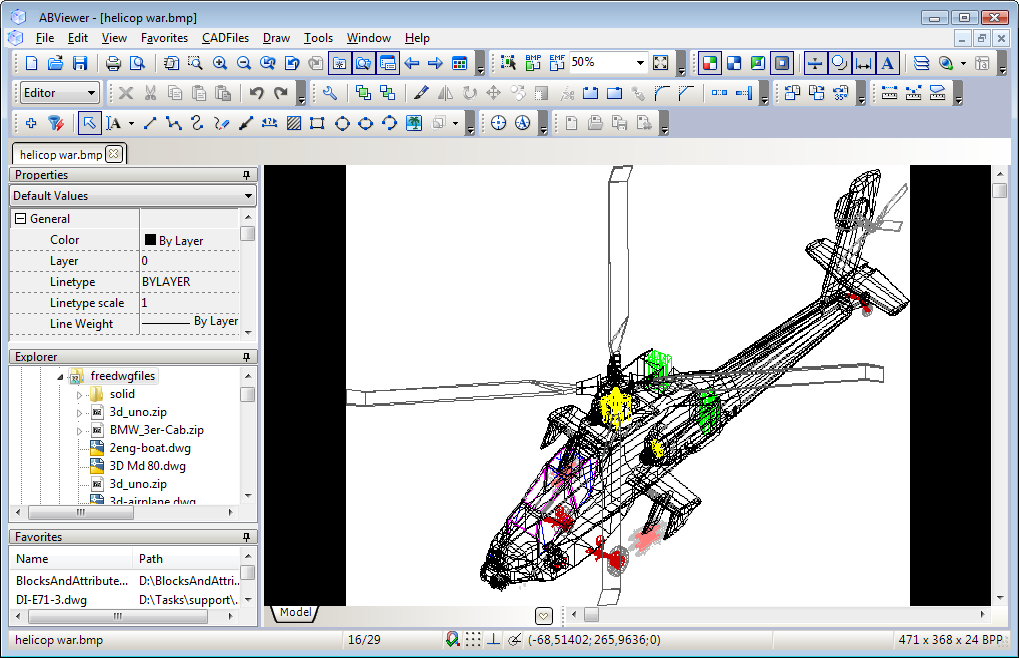
This feature can be useful when you have to print a scanned drawing. In the below examples the image is displayed against the black background.
Before using Trim Raster:
After using Trim Raster:
Go to ABViewer