The Fillet button connects two separate line segments with an arc.
Quick Access Panel: 
Ribbon: Editor -> Instruments -> Fillet
Menu: Tools -> Modify -> Fillet
If the segments intersect - superfluous parts are automatically cut off after the use of this tool. If the line segments do not intersect, the segments can be extended.
Select the first segment and press the Fillet  button. Select the second segment.
Example 1: intersecting lines
before: 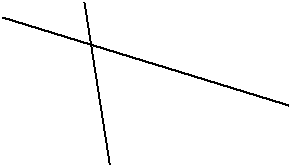 after: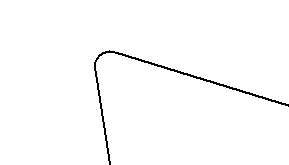
Example 2: non intersecting lines
before: 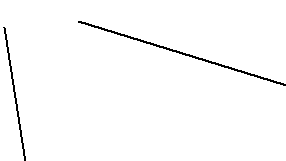 after: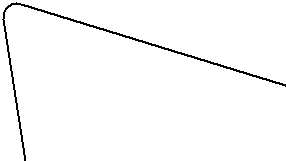
Note: the arc's radius is available for changing:
•select the first line segment
•press the Fillet button;
•place the mouse cursor over the drawing field; the field in the dynamic input shows the radius of the fillet arc  (physically this is the distance from the intersection point to the sections' cut off points);
•delete the current value using Backspace key and set the new one;
•press Enter key;
•select the second segment.
Go to ABViewer