The Single Line Text button allows to draw a single line text.
Quick Access Panel: 
Ribbon: Editor -> Text -> Single line text
Menu: Draw -> Single line text
To create a single line text string:
1. Click  .
.
2. Left click over the image to set the point of text insertion or enter the coordinates via the dynamic input.
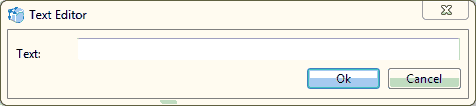
3. Enter text line in the Text editor dialog:
4. If it is necessary to modify the properties, do it using the Properties Panel. Select the text with the mouse and in the Properties Panel you will see the current properties of the text which can be altered as you need.
Go to ABViewer