The Rotate button allows to rotate the selected entity or entities relative to a base point.
Quick Access Panel: 
Ribbon: Editor -> Instruments -> Rotate
Menu: Tools -> Modify -> Rotate
Select an entity and press .
Example:
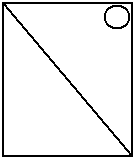
•select an entity or group of entities:
•press Rotate button;
•click to set the first rotation axis point:
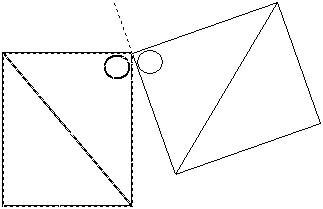
•moving the mouse cursor get a new placement for the selected entity(ies);
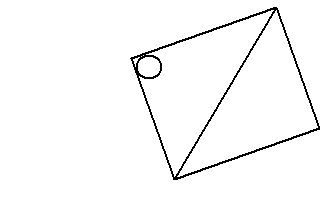
•click to fix the entity(ies) at the new placement:
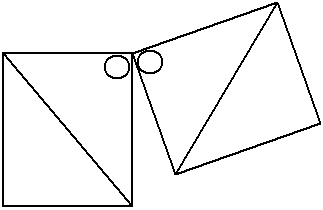
Note: selected entity(ies) are copied if the Fast Entities Input  mode is on:
Go to ABViewer