The Scale button allows to change the size of the selected entity or entities proportionally.
Quick Access Panel: 
Ribbon: Editor -> Instruments -> Scale
Menu: Tools -> Modify -> Scale
Absolute Scale
Select an entity and press the Scale button.
Example:
•make a drawing of two entities:
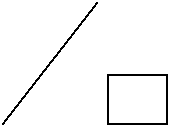
•select the rectangle:
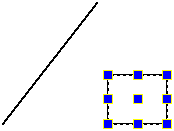
•press the Scale button;
•snap to the left bottom rectangle corner (to set a base point for scaling):
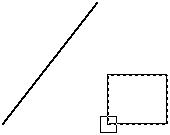
•move the mouse cursor in any direction, you will see a rectangle showing the scale factor which will appear in the right part of the status bar:

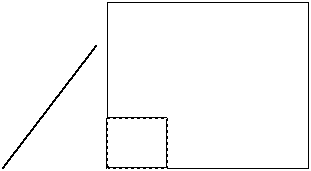
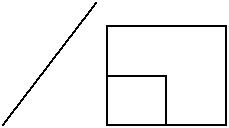
•type in 2 and press Enter:
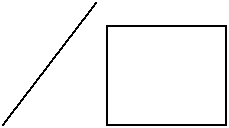
Note: selected entity(ies) are copied if Fast Entities Input  mode is on:
Dimension lines enable the user to fit the drawing to the required scale quickly.
For example there is a converted file with dimensions in it:
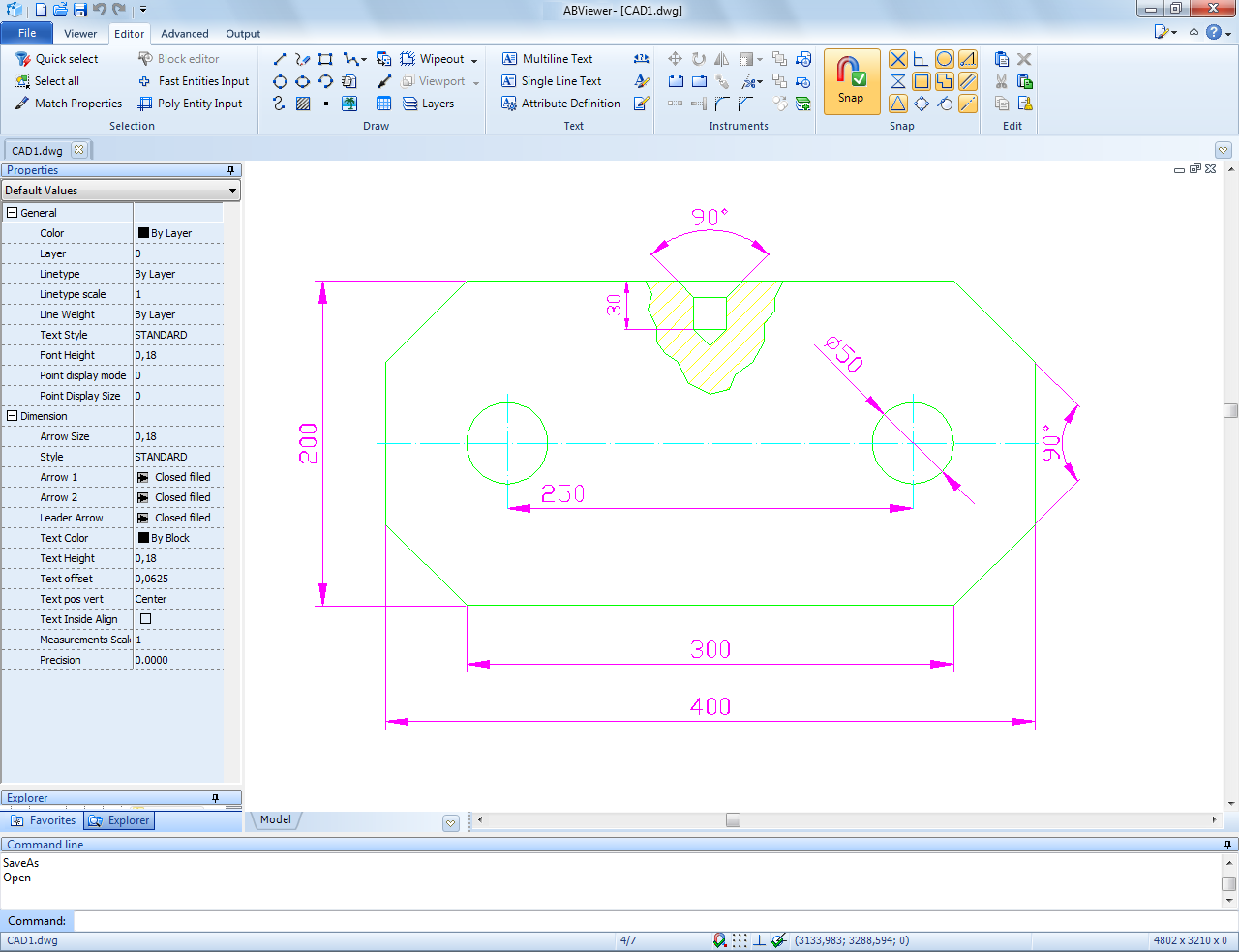
1. Select all the entities and press the arrow of the Scale button  .
.
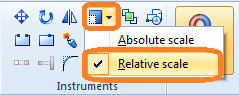
2. Select the Relative scale option:
3. Click the left bottom corner of the entities:
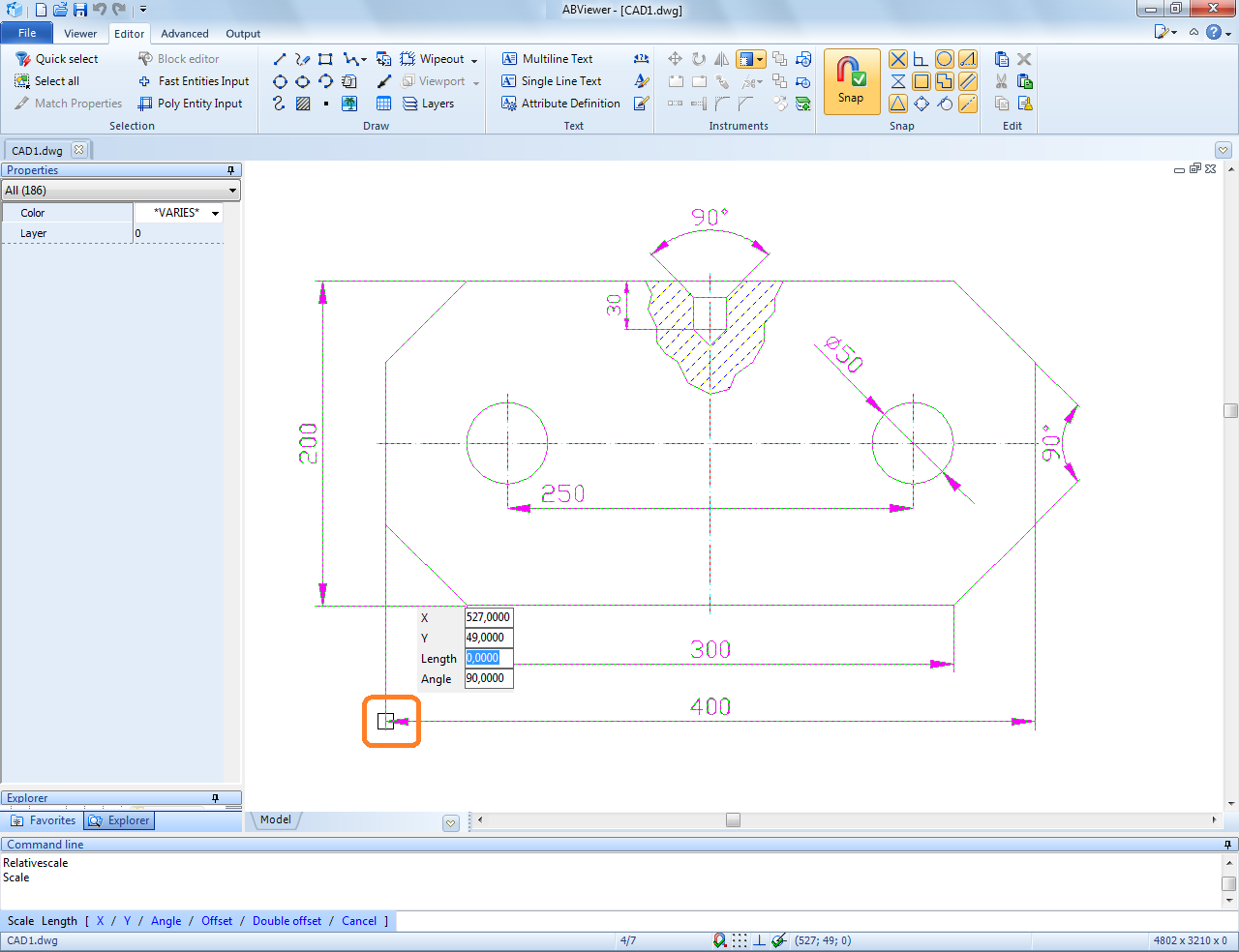
4. Move the mouse cursor to the right bottom corner and click it:
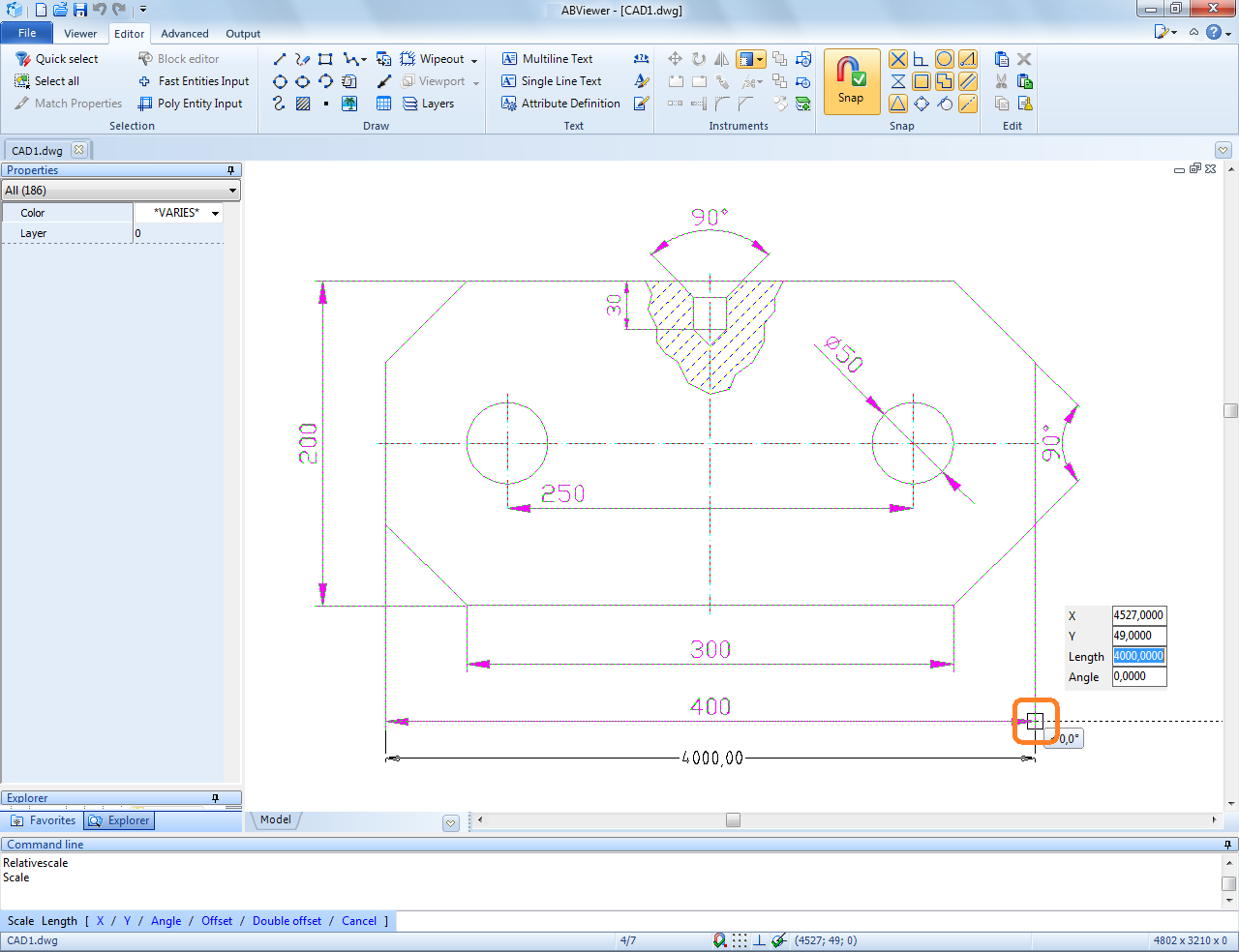
5. Type 400 in the automatically selected Length field:
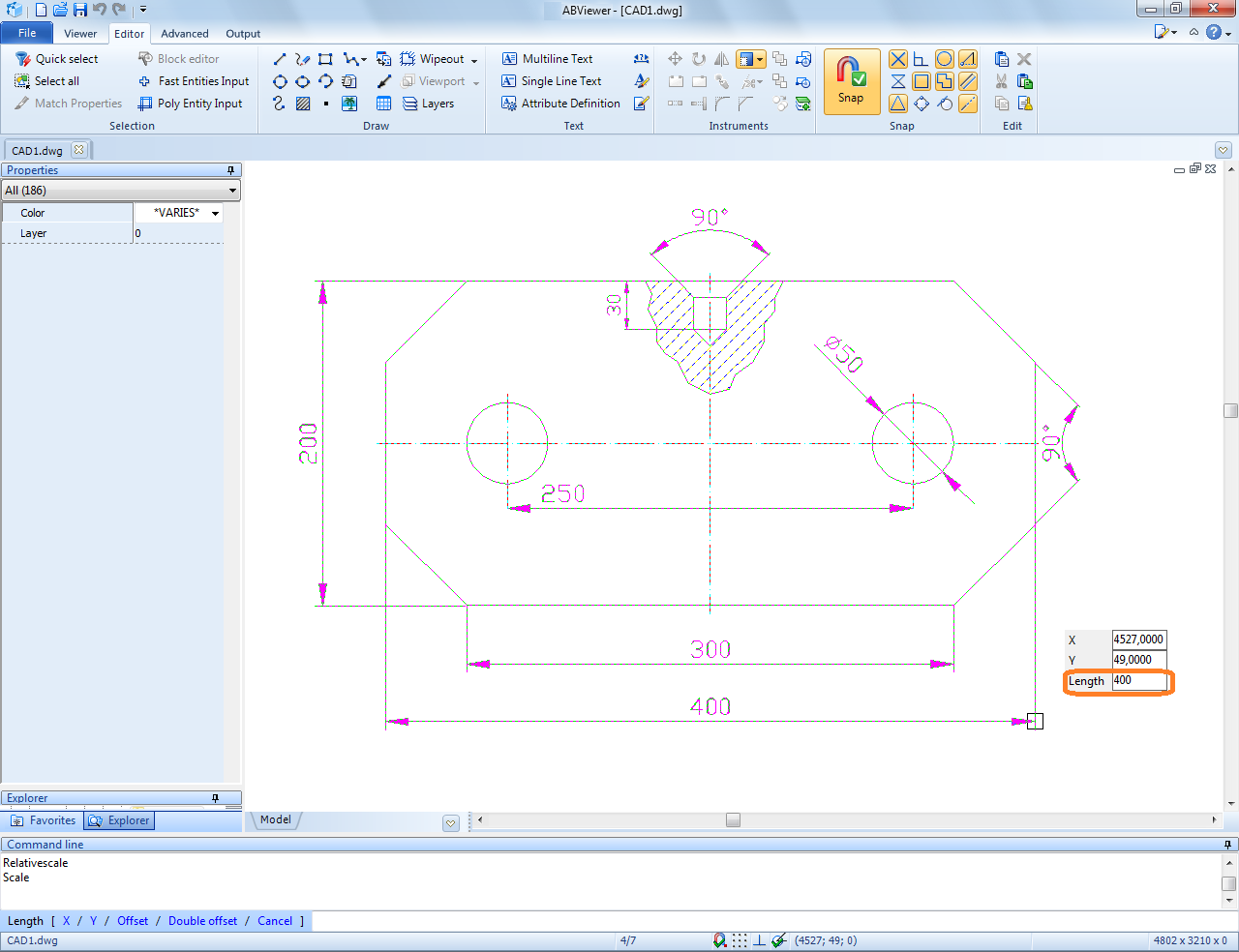
6. Press Enter and the size of the entities will be changed proportionally.
Go to ABViewer